
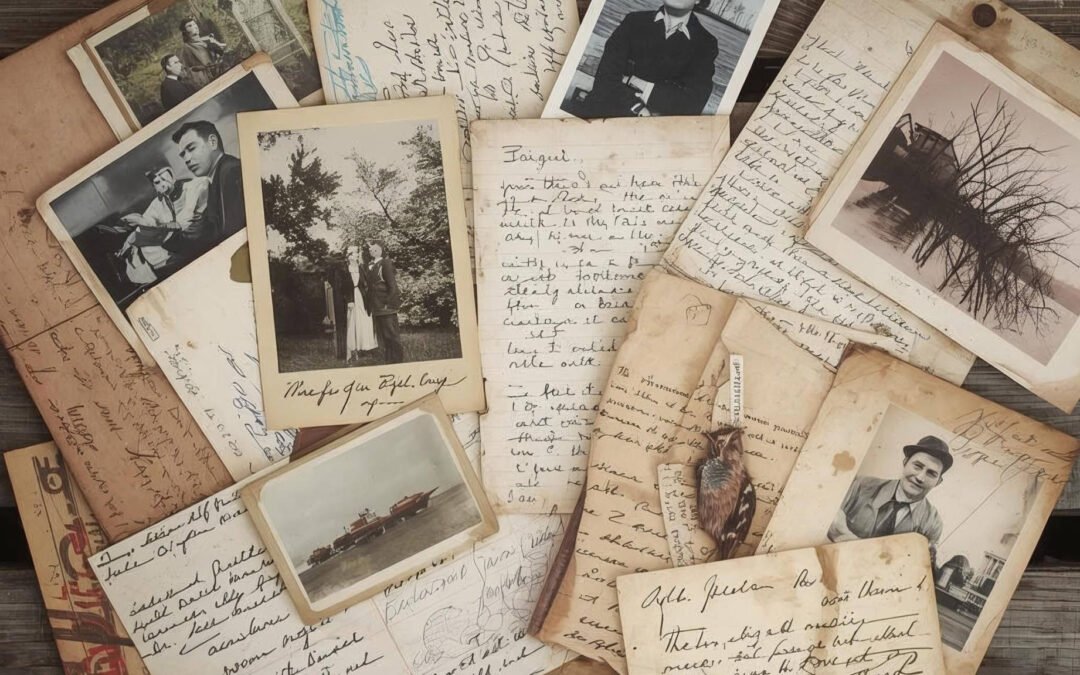
Boxes of photos, letters, and keepsakes can feel overwhelming — but digitizing your collection doesn’t have to be. Here’s how to organize, scan, and preserve your personal archives step-by-step, using the same methods we use every day at Digital Time Capsule Studios.
Boxes of photos, letters, and keepsakes can quickly become a tangled time capsule of your life — precious, but often overwhelming to sort or share. Digitizing them is one of the best ways to protect, preserve, and relive those memories.
At Digital Time Capsule Studios, we specialize in transforming analog collections into organized digital archives that will stand the test of time — handled carefully, scanned professionally, and delivered securely.
1️⃣ Start by Sorting
Before scanning, take a little time to organize your materials. Group photos or documents by decade, event, or person — whatever makes sense to you. This helps the digitization process go faster and makes your final folders easy to navigate later.
Place small labels or sticky notes between stacks, and always handle your materials gently by the edges to avoid fingerprints or scratches.
2️⃣ Clean and Prepare Your Originals
A little light preparation goes a long way. Dust and debris can affect clarity, so lightly brush or air-clean photos and documents. Avoid any liquids or cleaners. Flatten curled edges carefully and remove staples or paper clips that could scratch or tear originals.
3️⃣ Choose the Right Resolution
Not all scans are created equal.
-
Everyday photos and documents look fantastic at 600 DPI, balancing quality and file size.
-
Older or delicate originals benefit from higher-resolution scanning for better preservation and future enlargements.
-
Documents with handwriting or fine print can use enhanced clarity settings to ensure every detail is captured.
At Digital Time Capsule Studios, we evaluate each piece individually to deliver optimal quality without unnecessary bulk or processing time.
4️⃣ Preserve Color and Detail
Professional digitization goes beyond resolution — it’s about accuracy. Every image we process undergoes careful tonal and color balancing to restore natural warmth and depth while maintaining the authenticity of the original.
Even minor adjustments can make a faded photo look like it was taken yesterday, without over-editing or artificial results.
5️⃣ Keep It Organized
Once your materials are digitized, proper file organization ensures you’ll never lose a memory again.
We structure folders by event or timeline and name files consistently for quick searching. Whether you’re archiving for personal, family, or professional use, clear naming conventions make your collection future-proof.
6️⃣ Back Up Your Digital Collection
After digitization, always back up your files in multiple places — ideally one physical and one cloud-based.
At Digital Time Capsule Studios, we provide secure encrypted digital delivery and optional physical copies on archival-grade media. This ensures your memories remain safe from hardware failure or accidental loss.
Conclusion
Preserving a lifetime of photos and documents doesn’t have to feel daunting. With careful sorting, gentle handling, and professional digitization, your past can live safely in the present — and be easily shared with future generations.
Ready to protect your history?
Request a Free Quote and we’ll help you turn your personal archive into a beautifully organized digital collection.